Make Shorts people actually finish
Type an idea. VidPremiere writes the story and a scroll-stopping hook, keeps your characters the same in every scene, adds the voice and captions, and hands you a ready-to-post video.
- No editing skills needed
- Vertical 9:16, ready to post
- Captions and voice included
From idea to finished Short in minutes
Your idea
A topic, a few notes, or your own finished script.
Story and hook
A complete story with a hook that stops the scroll and an ending that lands.
Pictures and voice
Consistent characters, your art style, a natural voice and timed captions.
Ready to post
Tweak anything in the editor, export the MP4, or let an automation do it daily.
Videos that look made on purpose
The same characters in every scene
Your cast is designed once, then every picture uses it — same face, same clothes, same look from the first scene to the last. In a series, they stay the same from video to video.
A hook in the first second, an ending that lands
Every script opens with a line written to stop the scroll, and is planned to finish — resolved, a twist, or a cliffhanger for part two — within the length you choose.
Scene 1 · the hook
“The coffin lid was scratched from the inside.”
Endings: you choose, or let the AI pick what fits the story.
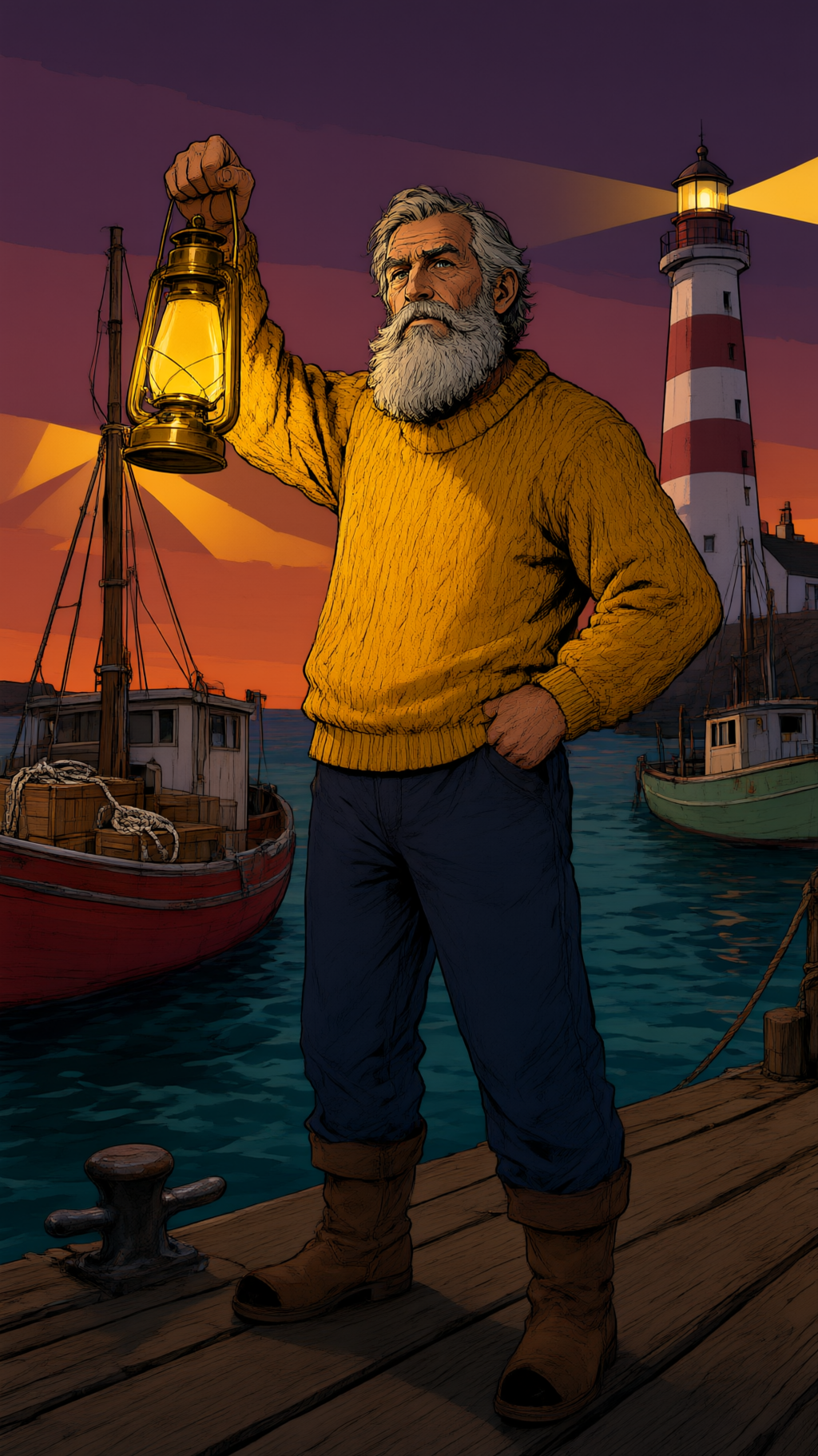
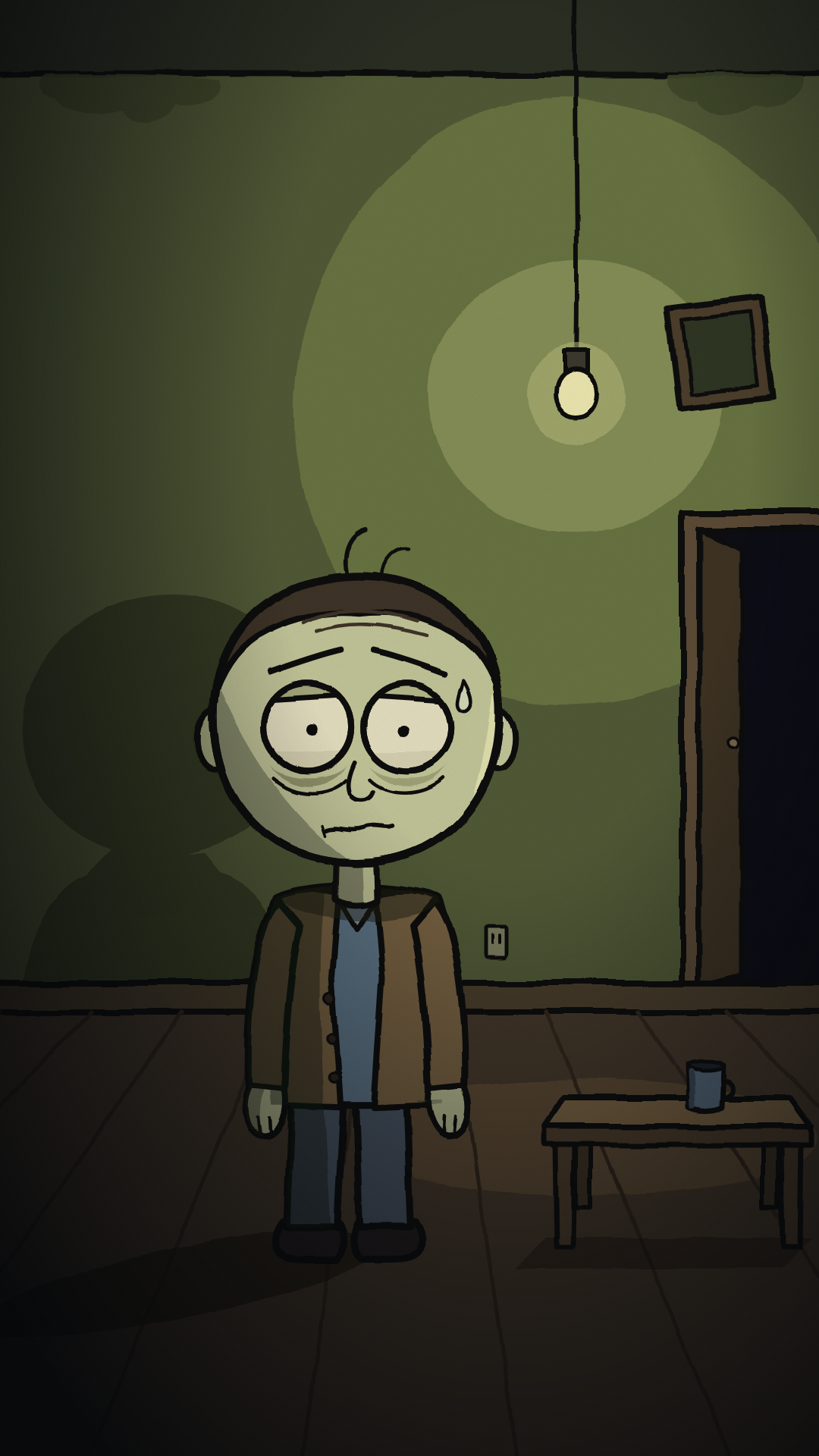
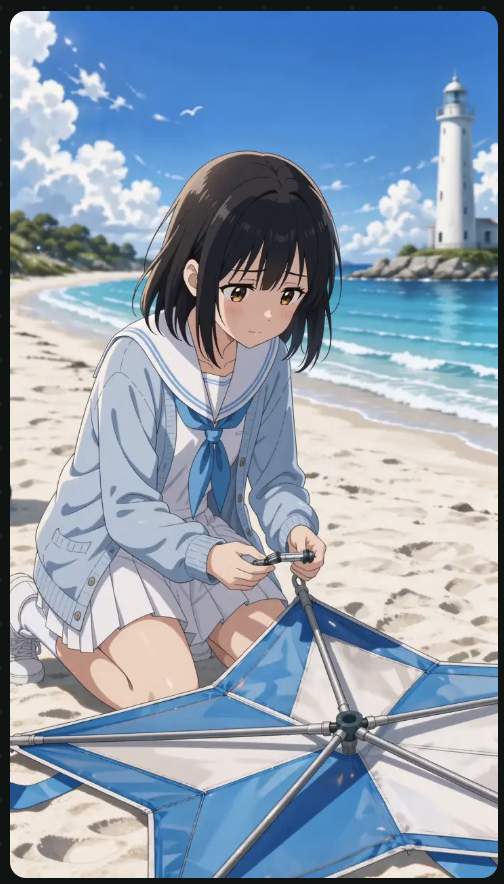
Pick a look. Every picture follows it.
Comic, anime, oil painting, claymation, cinematic film and more — for illustrated stories and moving AI video.

Series and automations
Keep a channel consistent with a series — one niche, one look, one voice. Add an automation and a fresh, different video is made on your schedule, ready for you to post.
History Mysteries
Every day at 09:00 · Full video
Captions for your own videos too
Upload a video and get word-by-word captions timed to the speech. Style them, fix any word, and export — in the same shape as your original.
Simple plans, no surprises
Starter
Post a few times a week.
Plus tax where applicable
1,000 credits every month · 2 automations
- Illustrated and Cinematic AI videos
- All art styles, voices and music
- Series and automations
- Clip a stream
- Add subtitles to your own videos
- Publish to YouTube
Creator
For channels that post most days.
Plus tax where applicable
1,600 credits every month · 5 automations
- Illustrated and Cinematic AI videos
- All art styles, voices and music
- Series and automations
- Clip a stream
- Add subtitles to your own videos
- Publish to YouTube
Studio
For several channels on autopilot.
Plus tax where applicable
3,500 credits every month · 12 automations
- Illustrated and Cinematic AI videos
- All art styles, voices and music
- Series and automations
- Clip a stream
- Add subtitles to your own videos
- Publish to YouTube
Every plan includes every feature; bigger plans get more credits. 3-day free trial, then billed monthly. Cancel any time. Extra credits can be bought any time and never expire.
Questions, answered
No. VidPremiere writes the script, makes the pictures or clips, records the voice and adds captions. You can tweak anything in the editor, but you don't have to.
Your next Short is one idea away
Type it in, pick a look, and watch it come together.
Create your first video